LLM Management (UI & API)
After starting the Compressa platform, all components will be available at the same URL (8080 by default)
Platform management is provided through the dispatcher API (adding models, deploying models, tests).
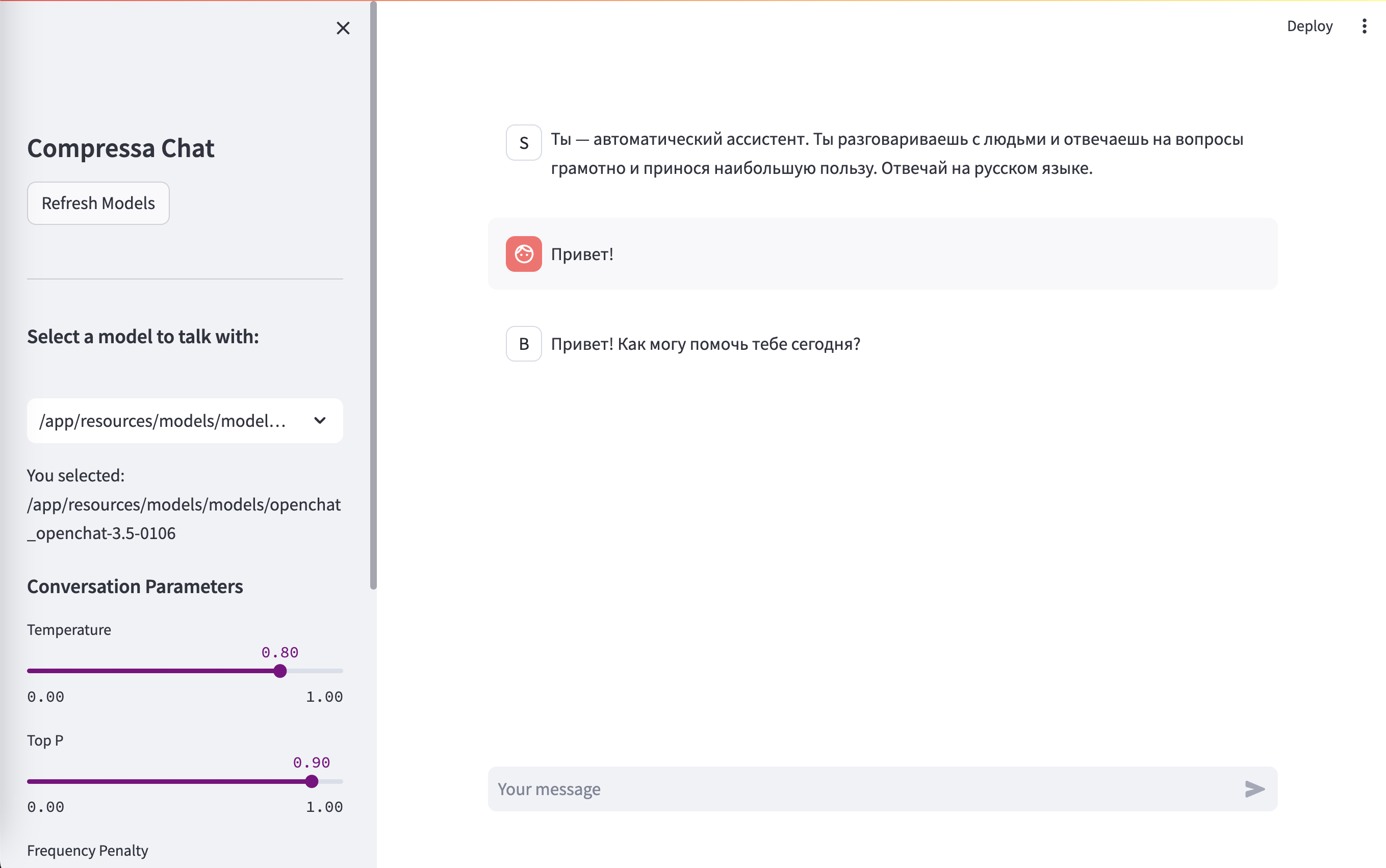
Chat UI
URL: http://localhost:8080/chat/
UI Playground for testing different LLM settings and prompt selection.
Fine-tuning
You can fine-tune models using LoRA/QLoRA both via UI interface and via REST API. In addition, a UI dashboard is available for monitoring the fine-tuning process and metrics
More about the model fine-tuning process on the special page.
Fine-tuning is performed outside the platform (in Single-Pod mode)